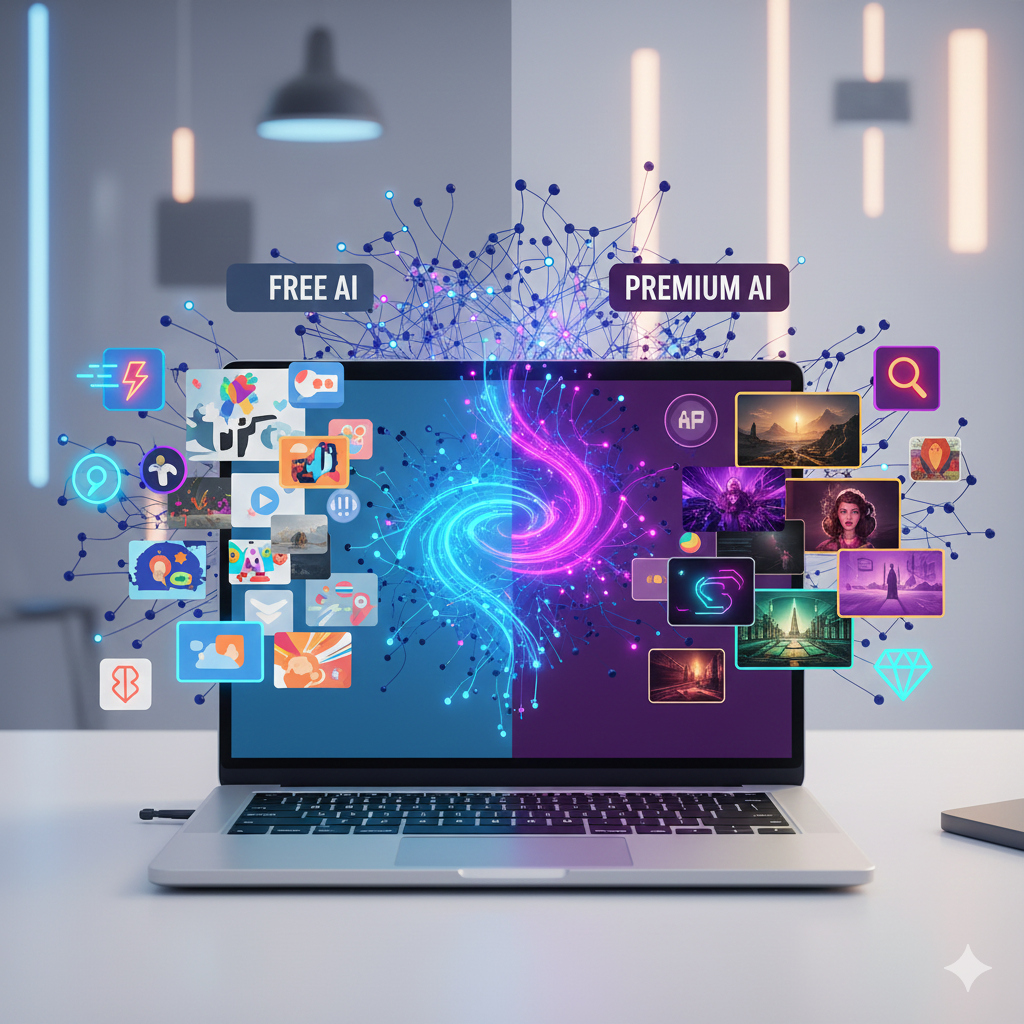
The landscape of artificial intelligence has moved at a lightning pace. Entering 2026, the gap between paid professional software and accessible free tools has almost vanished. While Midjourney was once the undisputed king of high-quality visuals, it now faces stiff competition from a new generation of free AI image generators.
These AI image creation tools are no longer just for fun or experimental “meme” making. Instead, they have become essential assets for marketers, small business owners, and digital artists who need high-fidelity results without a monthly subscription fee. Overall, the democratization of art is in full swing, and 2026 is the best year yet to start your creative journey.
In this guide, we will break down the top 10 free AI art tools that provide stunning quality, ease of use, and professional features that rival—and sometimes exceed—Midjourney’s capabilities.
How We Selected the Best Free AI Image Generators
Choosing the right AI image generator can be overwhelming because there are hundreds of options online. To make this list, we focused on specific criteria that matter to real-world users:
- Photorealism & Detail: Can the tool generate human anatomy, complex textures, and realistic lighting correctly?
- Prompt Understanding: Does the AI “understand” complex instructions, or does it get confused by long sentences?
- Daily Usage Limits: We prioritized tools that offer a generous free tier or daily credit resets rather than a “one-time” trial.
- Creative Control: We looked for features like “aspect ratio” control, style presets, and editing capabilities.
Top 10 Free AI Image Generators That Rival Midjourney
1. Leonardo AI
In 2026, Leonardo AI remains the most sophisticated Midjourney alternative. It offers a web-based dashboard that feels like a professional studio.
- Key Features: Daily credit resets, a vast library of fine-tuned models (for RPG characters, architecture, or 3D renders), and a “Canvas” editor for painting over your images.
- Strengths vs. Midjourney: Leonardo gives you a visual interface. Unlike Midjourney, which forces you to use Discord, Leonardo allows you to toggle settings with buttons and sliders.
- Best Use Case: Game developers, architects, and concept artists who need specific, consistent styles.
2. Microsoft Designer (Bing Image Creator)
Microsoft Designer is the most accessible free AI image generator for the average user. It is powered by the latest DALL-E models and integrated into Windows and the Edge browser.
- Key Features: Simple text-to-image interface, high-speed “Boosted” generations, and built-in basic design tools.
- Strengths vs. Midjourney: It is incredibly “smart.” You can use very simple language, and it usually understands exactly what you want. Moreover, it is completely free for anyone with a Microsoft account.
- Best Use Case: Social media managers and students who need a high-quality image in under 10 seconds.
3. Google Gemini (Imagen 3 / 4)
Google has integrated its most powerful image generation models directly into the Gemini chatbot. In 2026, this tool has become a favorite for its sheer speed and reliability.
- Key Features: Multimodal capabilities (it can explain an image as well as create one) and exceptional photorealism.
- Strengths vs. Midjourney: It is excellent at following specific “negative prompts” (telling the AI what not to include). Therefore, you spend less time hitting the “regenerate” button.
- Best Use Case: Bloggers and content creators who need realistic photos of people or products.
4. Flux.1 (via NightCafe or Tensor.art)
Flux.1 took the world by storm as the “open-source killer” of Midjourney. While it is a complex model, you can access it for free through various community platforms.
- Key Features: Unmatched anatomical accuracy (perfect hands and eyes) and a “human-like” texture that avoids the “plastic” look of older AI.
- Strengths vs. Midjourney: It handles complex, crowded scenes much better. For example, if you ask for “a busy street market with 10 different people,” Flux keeps every person looking distinct.
- Best Use Case: Professional photographers and high-end digital artists.
5. Adobe Firefly (Web Version)
Adobe Firefly is built on a “commercially safe” model, meaning it was trained on images Adobe actually owns. The web version offers a generous free tier for casual users.
- Key Features: Generative Fill, Text Effects, and Style Reference tools.
- Strengths vs. Midjourney: It is the only tool that guarantees you won’t face legal issues for using the images commercially. In addition, its “Generative Fill” allows you to add or remove objects from an existing photo with ease.
- Best Use Case: Corporate designers and small business owners creating advertisements.
6. Ideogram 3.0
If your art needs text—like a sign, a logo, or a book cover—Ideogram is the undisputed champion.
- Key Features: Specialized typography engine and a “Magic Prompt” feature that expands your short ideas into detailed descriptions.
- Strengths vs. Midjourney: Midjourney often struggles with spelling. Ideogram, however, can render full paragraphs of text perfectly inside an image.
- Best Use Case: Graphic designers, logo creators, and merchandise sellers (T-shirts/posters).
7. Playground AI
Playground is a unique platform because it acts as a “hub.” It lets you choose between different AI models, including Stable Diffusion and Flux, all in one place.
- Key Features: A massive 50-image-per-day free limit and a “Community Feed” where you can copy the prompts of top artists.
- Strengths vs. Midjourney: The “Remix” feature. You can take an existing image you love and “remix” it with your own ideas without starting from scratch.
- Best Use Case: Beginners who want to learn by experimenting with other people’s work.
8. Canva (Magic Media)
Canva has transformed from a simple design tool into an AI powerhouse. Their “Magic Media” feature allows you to generate images and videos directly on your design canvas.
- Key Features: Text-to-Image, Text-to-Video, and “Magic Switch” for resizing art for different platforms.
- Strengths vs. Midjourney: It’s all about the workflow. You don’t have to download an image from a bot and upload it to a design app. As a result, you save a massive amount of time.
- Best Use Case: Influencers and marketing teams who need to produce high volumes of content daily.
9. SeaArt AI
SeaArt is a hidden gem that has gained a massive following in 2026. It is highly customizable and offers thousands of “LoRAs” (mini-models) that can create very specific styles.
- Key Features: “Swift AI” mode for speed and “Professional” mode for high-res upscaling.
- Strengths vs. Midjourney: It is much better at “anime” and “stylized” art. If you want a specific comic book look, SeaArt is superior.
- Best Use Case: Manga artists, anime fans, and character designers.
10. NightCafe Studio
NightCafe is one of the oldest names in the game, but it has stayed relevant by gamifying the experience of making AI art.
- Key Features: Daily community challenges, credit giveaways, and access to almost every major AI model.
- Strengths vs. Midjourney: The community aspect. Meanwhile, as you create, you can participate in “Daily Challenges” where other users vote on your art, helping you earn more free credits.
- Best Use Case: Hobbyists who want a fun, social experience while creating art.
Quick Comparison Summary
| Tool | Primary Strength | Daily Free Limit | Best For |
| Leonardo AI | High-end Concept Art | 150 Credits | Professionals |
| Bing/Microsoft | Ease of Use | Highly Generous | Beginners |
| Ideogram | Typography & Logos | ~10-20 Images | Designers |
| Flux.1 | Hyper-Realism | Varies by Host | Photographers |
| SeaArt | Anime & Style | 100+ Credits | Fans/Illustrators |
Tips for Choosing the Right AI Image Generator
With so many best AI tools available, you might not know where to start. Overall, the “best” tool depends entirely on what you are trying to achieve. Here are a few tips to help you choose:
- Prioritize the Goal: If you need a realistic photo of a person, use Flux or Google Gemini. If you are making a birthday card with text, use Ideogram.
- Experiment with Prompts: Don’t just use one word. For example, instead of “dog,” try “A golden retriever puppy wearing a blue hat, cinematic lighting, 8k resolution.”
- Use the Daily Credits: Most of these tools reset their credits every 24 hours. Therefore, you can use 5 or 6 different tools throughout the week to find which one matches your personal style best.
- Upscale Your Art: Most free tools provide a standard resolution. Use a free “AI Upscaler” (like Upscayl) to make your free images look like high-resolution professional photography.
Conclusion: Your Creative Future in 2026
The era of expensive barriers to creativity is over. As we have seen, the free AI image generators of 2026 are more than capable of producing “Midjourney-level” art. Whether you are looking for photorealism, perfect typography, or stylized illustrations, there is a tool on this list for you.
In addition, remember that AI is a tool, not a replacement for your imagination. The most successful creators use these tools to speed up their workflow and explore ideas that were previously impossible to visualize.
Are you ready to create something amazing? Pick one of these tools—perhaps Leonardo AI for its versatility or Bing for its simplicity—and start your first prompt today. You might be surprised at how quickly you can become a digital artist!