Creating high-quality videos used to require expensive cameras, professional actors, and hours of tedious editing. However, the rise of artificial intelligence has completely transformed this process. If you are looking for a way to turn your written ideas into professional videos without being on camera, Pictory AI is a platform you should consider. In this review, we will explore why this tool has become a favorite for creators in 2026 and whether it lives up to the hype.
What Is Pictory AI?
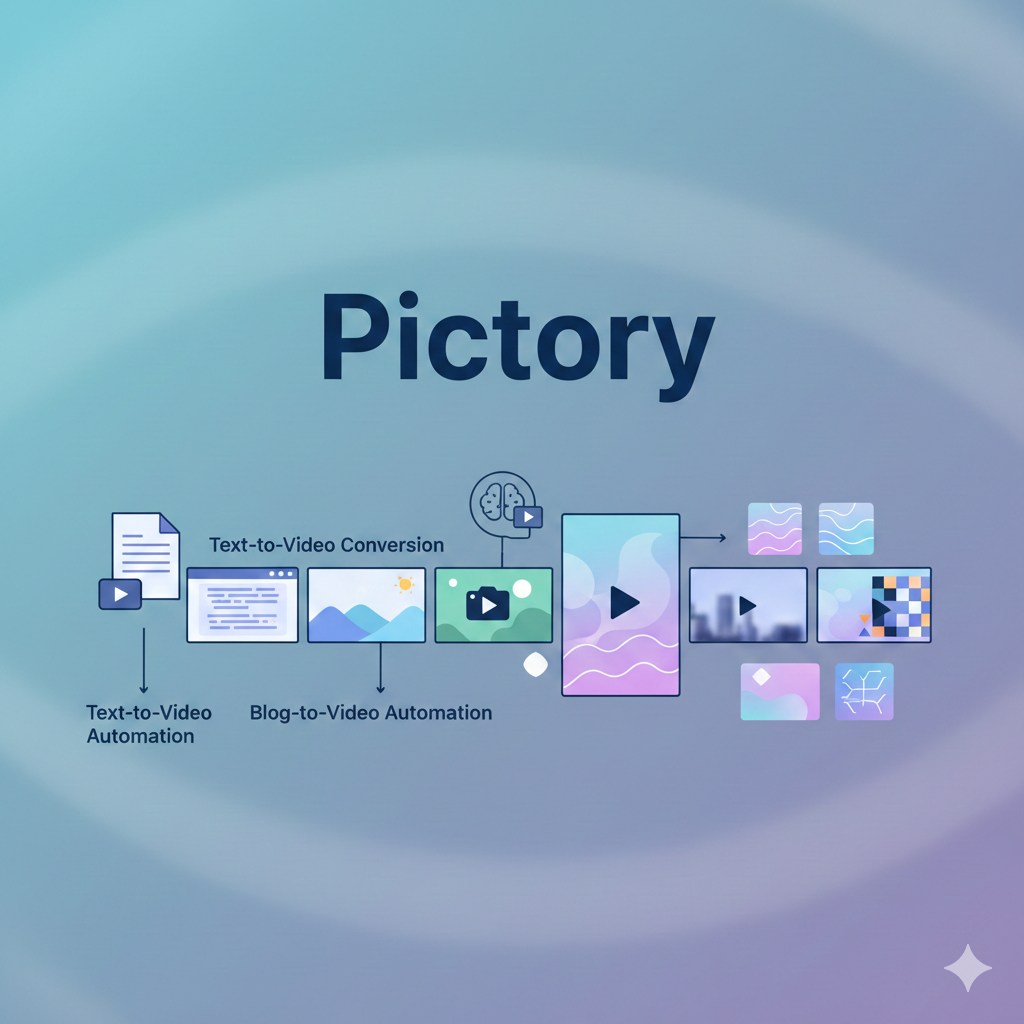
Pictory AI is a cloud-based video creation platform that uses advanced artificial intelligence to transform text and long-form content into short, engaging videos. It was specifically designed for people who have no previous experience in video editing. Instead of using complex timelines, the software automates the most difficult parts of the production process.
For instance, you can simply paste a script or a blog post link, and the AI will analyze the text to find matching stock footage, add captions, and even generate a voiceover. Therefore, it has become an essential tool for those who want to build a presence on YouTube, TikTok, or LinkedIn without a massive budget.
Key Features of Pictory AI
The Pictory AI platform offers several standout features that make it a versatile tool for various content workflows. Specifically, its features are organized to help you move from an idea to a finished video in minutes.
- Script to Video: This is the flagship feature. You paste your script, and the AI generates a full storyboard with relevant clips and music.
- Article to Video: By simply pasting a URL, the AI summarizes the blog post and turns the key points into a visual story.
- Edit Video Using Text: This unique tool allows you to edit videos by editing the transcript. If you delete a sentence in the text, the corresponding video clip is removed automatically.
- AI Voiceovers: Through its integration with ElevenLabs, Pictory provides hyper-realistic voices in dozens of languages.
- Massive Stock Library: Users get access to over 10 million royalty-free images and videos from Getty Images and Storyblocks.
- AI Studio (New for 2026): This new feature allows you to generate custom AI images directly inside your video projects to ensure your visuals are truly unique.
How Pictory AI Works
One of the main reasons for the success of this tool is its simple, four-step workflow. Most beginners find they can create their first video in under ten minutes.
Step 1: Provide Your Input
First, you choose your starting point. You can upload a script, paste an article link, or upload an existing video that needs editing. Meanwhile, the AI begins scanning your content to understand the context.
Step 2: AI Storyboarding
Next, the Pictory AI engine breaks your text into scenes. It then searches its library to find the best stock clips that match your narrative. Moreover, it automatically generates captions for every scene to improve viewer engagement.
Step 3: Customization and Branding
In addition to the AI’s suggestions, you have full control over the final look. You can swap out clips, choose a different AI voice, and apply your “Brand Kit” to add your logo and colors. As a result, every video looks consistent with your brand identity.
Step 4: Preview and Export
Finally, you preview the video to ensure everything is perfect. Once you are satisfied, you can export the file in various formats, such as 16:9 for YouTube or 9:16 for vertical platforms like TikTok.
Benefits of Using Pictory AI
Using Pictory AI provides several distinct advantages for modern content teams. For example, it significantly reduces the time spent on “grunt work” like finding b-roll or syncing subtitles. Furthermore, because it is a web-based tool, you do not need a powerful computer to render high-definition videos.
Another major benefit is cost-effectiveness. Hiring a freelance editor can cost hundreds of dollars per project. Conversely, a subscription to the official website allows you to produce dozens of professional-grade videos for a fraction of that price.
Use Cases for Pictory AI
The versatility of Pictory AI makes it suitable for many different types of users.
- YouTubers: Specifically those running “faceless” channels who need constant stock footage and clear narration.
- Marketers: For creating quick social media ads or promotional clips from existing blog content.
- Educators: Course creators can turn their lesson plans into engaging video modules for students.
- Bloggers: To repurpose long articles into video summaries, which helps improve SEO rankings and time-on-page.
- Businesses: For internal training videos or transforming long webinars into “highlight” clips for LinkedIn.
Pricing Overview
While prices can change, Pictory AI typically offers a tiered structure designed to fit different needs.
- Starter Plan: Ideal for beginners. It usually offers around 30 videos per month and basic AI voices.
- Professional Plan: This is the most popular choice. It includes the hyper-realistic ElevenLabs voices and a much larger library of Getty Images visuals.
- Teams Plan: Designed for agencies and teams that need to collaborate on projects and share brand assets.
- Free Trial: Most users can start with a 14-day free trial that allows you to create three video projects to test the system.
Pros and Cons
Like any tool, Pictory AI has its strengths and its limitations. It is important to look at both before committing.
Pros
- Extremely Easy to Use: No technical skills are required.
- Huge Media Library: Access to millions of premium Getty clips is a massive value.
- Excellent Repurposing: The blog-to-video tool is currently the best in its class.
- Automatic Captions: Saves hours of manual work.
Cons
- Clip Accuracy: Sometimes the AI picks a clip that doesn’t perfectly match the scene, requiring manual correction.
- Limited Advanced Editing: It is not a replacement for tools like Premiere Pro if you need complex special effects.
- Voice Limits: The best AI voices are often restricted to the higher-paid tiers.
Pictory AI vs Other AI Video Tools
When compared to other tools like Synthesia or InVideo, Pictory occupies a unique niche.
- Vs. Synthesia: Synthesia focuses on digital human avatars. If you need a person talking to the camera, Synthesia is better. However, if you want a video made of stock footage and text, Pictory is much faster.
- Vs. InVideo: InVideo offers more creative templates and a traditional timeline editor. As a result, it is better for people who want more manual control. Meanwhile, Pictory is superior for those who want the AI to do 90% of the work automatically.
Who Should Use Pictory AI?
If you are a content marketer who needs to produce weekly videos for social media, this tool is perfect for you. It is also ideal for educators and small business owners who do not have time to learn complicated software. However, if you are a professional filmmaker looking for cinematic color grading and frame-by-frame control, you might find the automation too restrictive.
Final Verdict
Pictory AI remains one of the most practical and efficient AI video tools available in 2026. It excels at turning text into visual stories and repurposing existing content for social media. While it is not a “magic button” that produces perfect videos every time, it handles the vast majority of the heavy lifting.
Overall, it is an essential investment for anyone looking to scale their video production without increasing their workload. By automating the editing and visual selection, it allows you to focus on what matters most: your message.