Finding the right platform to reach your customers is a major challenge for any business owner. In the digital age, email remains one of the most effective ways to drive sales and build loyalty. If you are looking for a reliable platform to manage your campaigns, the Mailchimp email marketing tool is likely the first name you will encounter. In this 2025 review, we will examine its latest updates and help you decide if it still lives up to its famous reputation.
What is Mailchimp?
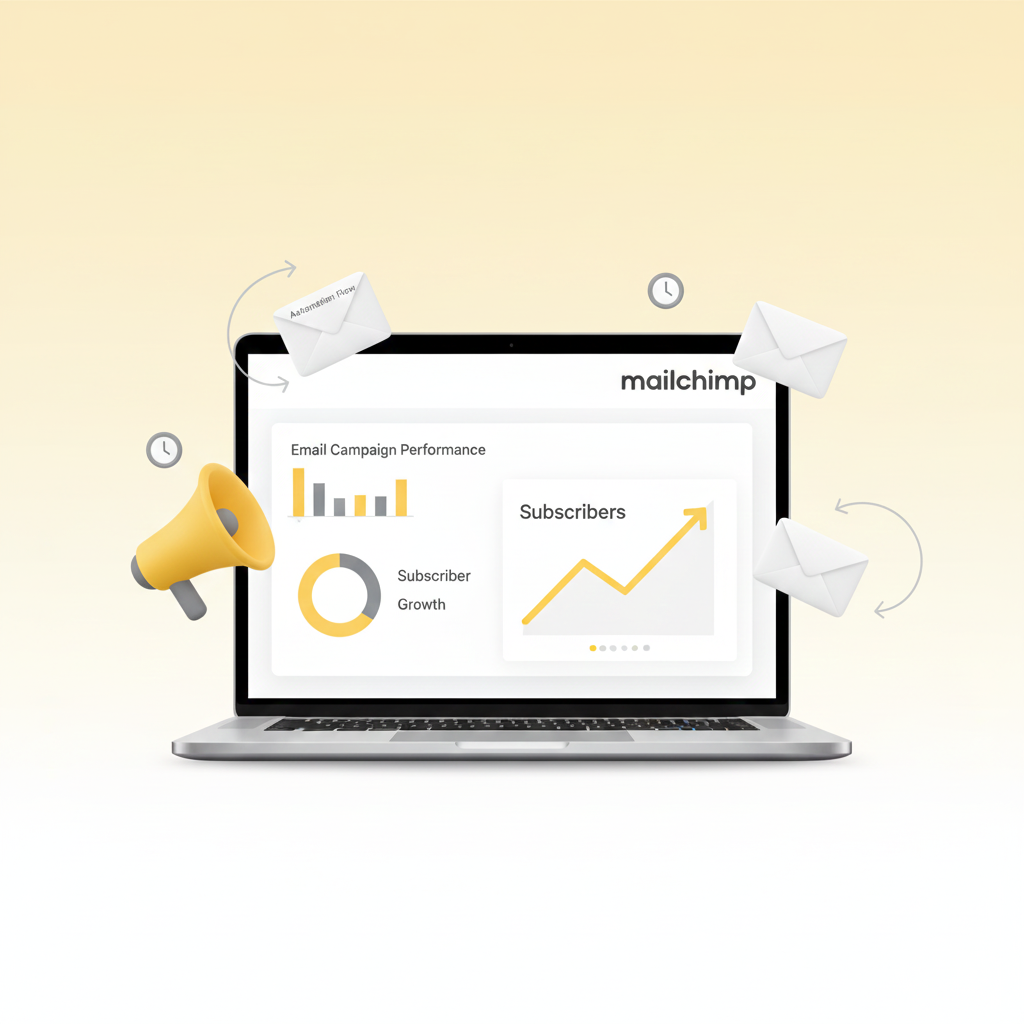
Mailchimp is an all-in-one marketing platform that focuses primarily on email. Originally started as a simple service for sending newsletters, it has grown into a massive ecosystem owned by Intuit. Today, it offers much more than just emails. For example, users can now build landing pages, manage social media ads, and even create automated customer journeys.
In 2025, the platform has heavily integrated artificial intelligence to help users work faster. It is designed to be accessible for those without a background in coding or graphic design. Consequently, it remains a popular choice for millions of users worldwide who want professional results without a steep learning curve.
Key Features of Mailchimp
The Mailchimp email marketing tool provides a comprehensive set of features tailored for modern growth. Here are the most important tools available in 2025:
- AI Creative Assistant: This tool can automatically generate email designs based on your brand colors and logo. Moreover, it can now suggest improvements to your writing to increase engagement.
- Drag-and-Drop Editor: You can easily move text, images, and buttons to create beautiful layouts. Therefore, you do not need any technical skills to make your emails look high-end.
- Customer Journey Builder: This feature allows you to create “Flows.” These are automated sequences that send specific emails based on a customer’s actions, such as signing up for a list or making a purchase.
- Advanced Segmentation: You can filter your audience into specific groups. For instance, you can send one email to your most loyal customers and a different one to people who have not opened an email in months.
- Extensive Integrations: The platform connects with over 300 apps, including Shopify, WordPress, and Salesforce. As a result, your marketing data stays synchronized across all your favorite tools.
How Mailchimp Works
Setting up your first campaign is a straightforward process. The platform is built to guide you through each stage so that you never feel overwhelmed.
Step 1: Build Your Audience
First, you import your contacts or set up a signup form to collect new leads. Mailchimp organizes these contacts into an “Audience” where you can add tags and notes.
Step 2: Create a Campaign
Next, you choose whether to send a regular email, a landing page, or an automated flow. Meanwhile, you can select from hundreds of pre-designed templates to save time.
Step 3: Design and Personalize
Using the editor, you add your content. You can also use merge tags to include the recipient’s name. Therefore, every email feels personal to the individual reader.
Step 4: Analyze Results
After sending, you can visit the Reports section. Here, you can see how many people opened your email and which links they clicked. Overall, this data helps you improve your future strategy.
Common Use Cases
The versatility of the Mailchimp email marketing tool makes it a great fit for many different scenarios.
eCommerce Stores
Online shop owners use Mailchimp to recover abandoned carts. For example, if a customer leaves an item in their cart without buying, the system can automatically send a reminder email a few hours later.
Small Business Newsletters
Local businesses use it to keep their community informed about events or new services. Because the templates are mobile-responsive, the newsletters look great on smartphones.
Professional Education
Educators use automated “Drip” campaigns to deliver lessons over several days. In addition, they use segmentation to track which students have completed specific parts of a course.
Pros and Cons of Mailchimp
Even the most popular tools have areas where they excel and areas where they struggle.
Pros
- User-Friendly: The interface is clean and very intuitive for beginners.
- Powerful AI: The new Intuit Assist helps with content creation and data analysis.
- Large Community: There are thousands of tutorials and experts available if you need help.
- Solid Deliverability: Mailchimp has a strong reputation, meaning your emails are less likely to end up in spam folders.
Cons
- Scaling Costs: The price increases quickly as your contact list grows.
- Strict Rules: They have very firm policies regarding list hygiene and spam reports.
- Unsubscribed Contacts: On some plans, you are still charged for people who have unsubscribed until you manually delete them.
Pricing Plans Overview
Mailchimp offers four main tiers for its marketing platform in 2025.
- Free Plan: Best for beginners. It allows up to 500 contacts and 1,000 monthly sends. However, it includes Mailchimp branding at the bottom of every email.
- Essentials Plan: Starts at around $13 per month. This adds A/B testing and 24/7 support. Meanwhile, it removes the Mailchimp logo.
- Standard Plan: Starts at around $20 per month. This is the most popular tier because it includes advanced “Flows” and behavioral targeting.
- Premium Plan: Starts at $350 per month. This is designed for large teams that need phone support and multivariate testing.
Mailchimp vs Other Email Marketing Tools
While Mailchimp is a giant, other tools offer different advantages.
- Brevo: Often preferred for its simpler pricing based on email volume rather than contact count.
- HubSpot: A better choice for companies that need a deep, built-in CRM system for their sales teams.
- Constant Contact: Known for its excellent customer service and simpler interface, though it has fewer automation features.
Overall, the Mailchimp email marketing tool remains the most balanced option for general marketing needs.
Who Should Use Mailchimp?
If you are a small business owner or a creator who wants a “set it and forget it” solution, Mailchimp is excellent. It is especially useful for those who use other Intuit products like QuickBooks. However, if you are a high-volume sender with a very tight budget, you might find more affordable options elsewhere.
Final Verdict
The Mailchimp email marketing tool continues to be a top-tier choice in 2025. While the pricing can be higher than some budget competitors, the ease of use and the power of its automation features provide immense value. Furthermore, the new AI capabilities make it easier than ever to produce high-quality marketing materials in minutes.
In conclusion, if you want a platform that grows with your business and provides deep insights into your audience, this is a fantastic investment. You can visit the official Mailchimp homepage to sign up for a free account and start building your first campaign today.