In the fast-moving world of digital content, creating professional videos used to require expensive cameras, a full crew, and hours of editing. However, the rise of artificial intelligence has completely changed this landscape. If you are looking for a way to produce high-quality videos without being on camera, the HeyGen AI video generator is currently one of the most powerful tools available. In this review, we will explore its capabilities and help you decide if it is the right investment for your brand in 2026.
What is HeyGen AI?
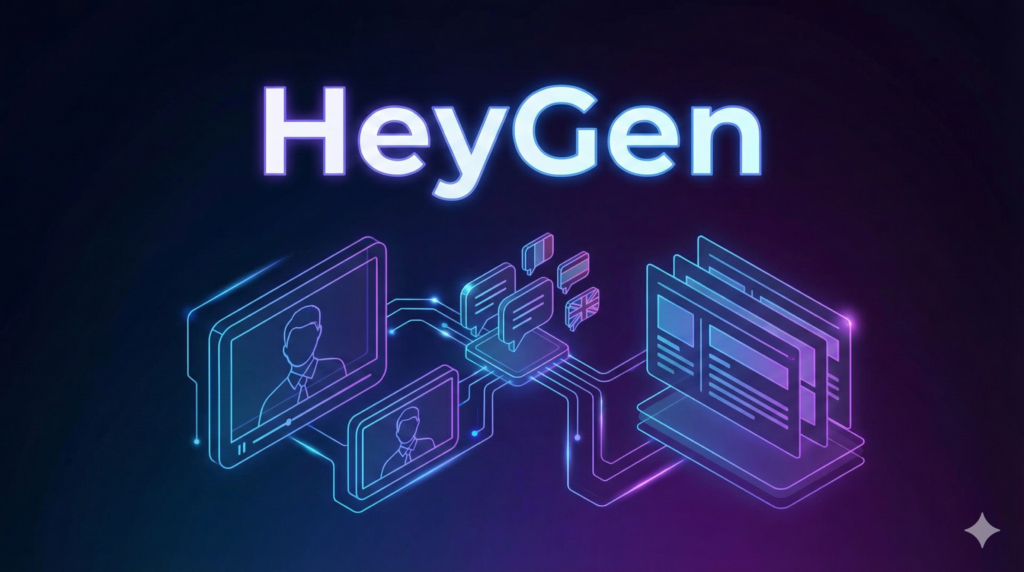
HeyGen AI is a cutting-edge platform designed to simplify video production through the use of generative artificial intelligence. It allows users to create talking-head videos simply by typing a script. Instead of filming a human presenter, the platform uses hyper-realistic AI avatars that move and speak with natural facial expressions.
Since its launch, the company has focused on making video creation accessible to everyone, regardless of their technical skills. Moreover, the platform has evolved significantly, introducing features that allow for nearly perfect voice cloning and lip-syncing. As a result, it has become a go-to solution for businesses that need to scale their video content quickly and affordably.
Key Features of HeyGen AI
The HeyGen AI video generator offers a suite of features that cater to both beginners and professional marketers. Overall, the platform is designed to provide a “studio in your pocket” experience.
- Avatar IV Technology: The latest version of their avatars features micro-gestures and natural eye movements that are incredibly lifelike.
- Instant Voice Cloning: You can record a short sample of your voice, and the AI will replicate your tone and pitch for use in any video.
- Video Translation: This feature allows you to translate a video into over 175 languages and dialects while automatically adjusting the speaker’s lip movements.
- AI Video Agent: This tool can turn a simple prompt or a URL into a complete video with a script, visuals, and a presenter.
- Interactive Avatars: These avatars can be integrated into websites or Zoom calls to interact with customers in real-time.
How HeyGen AI Works
One of the biggest advantages of this platform is its simplicity. Therefore, you do not need to spend weeks learning how to use it. Here is the typical step-by-step process:
Step 1: Choose Your Avatar
You can select from over 700 stock avatars or create your own custom “digital twin” using a short video of yourself. Meanwhile, you can also choose different outfits and poses to match your video’s style.
Step 2: Input Your Script
Next, you type your script into the text editor. In addition, you can use the built-in AI writer to improve your text or generate a script from scratch based on a specific topic.
Step 3: Customize the Visuals
You can add backgrounds, text overlays, images, and background music. For example, if you are making a corporate presentation, you can upload your company’s brand kit to ensure consistency.
Step 4: Generate and Export
Finally, click the submit button. The platform will process the video, and you will receive a high-definition file ready for download. Usually, this process takes just a few minutes depending on the video length.
Use Cases
The HeyGen AI video generator is incredibly versatile, making it useful for a variety of industries.
AI Avatars for Social Media
Content creators often use the platform to build “faceless” YouTube channels or TikTok accounts. Since you can generate hundreds of videos without a camera, it is an excellent way to maintain a consistent posting schedule.
Marketing and Sales Videos
Marketers use the personalized video feature to send customized messages to prospects. For instance, a sales rep can send a video where the avatar addresses the client by name, which significantly improves engagement rates.
Training and Education
Educators and HR departments use HeyGen to create onboarding and instructional videos. As a result, they can update training materials quickly without having to re-film a human presenter every time a policy changes.
Global Localization
If you have a global audience, the translation feature is a game-changer. You can record one video in English and instantly create localized versions for markets in Japan, Brazil, or France.
Pros and Cons of HeyGen AI
Every tool has its strengths and limitations. Therefore, it is important to consider both before subscribing.
Pros
- Exceptional Realism: The Avatar IV technology provides some of the most realistic AI movements on the market.
- Speed: You can move from a concept to a finished video in less than 20 minutes.
- Ease of Use: The drag-and-drop interface is very intuitive for beginners.
- Massive Language Support: Supporting over 175 languages makes it a leader in localization.
Cons
- Cost: The higher-tier plans can be quite expensive for small businesses or solo creators.
- Credit System: Most plans use a credit system where you pay per minute of video, which requires careful planning.
- Occasional Glitches: While rare, some complex gestures can still look slightly robotic in certain scenarios.
Pricing Plans Overview
HeyGen offers several pricing tiers to fit different needs. Overall, the plans are structured to scale as your production grows.
- Free Plan: This is perfect for testing. It allows you to create a few short videos to see the quality for yourself.
- Creator Plan: Starting at $24/month (billed annually). This is ideal for solo creators and includes 1080p exports and watermark removal.
- Team Plan: Starting at $30/month per seat (billed annually). This includes 4K exports and collaboration tools for marketing teams.
- Enterprise Plan: This is a custom plan for large organizations that need unlimited credits, advanced security, and dedicated support.
HeyGen AI vs Other AI Video Generators
When compared to competitors like Synthesia or RunwayML, HeyGen stands out for its avatar realism and social media focus. While Synthesia is often preferred by large corporations for structured training, HeyGen is usually the better choice for creators who want high-fidelity personal avatars. Moreover, HeyGen’s voice cloning and translation features are currently considered some of the best in the industry.
Who Should Use HeyGen AI?
If you are a marketer, a small business owner, or an educator who needs professional video content at scale, HeyGen is an excellent choice. It is specifically built for those who want to save time and money without sacrificing quality. However, if you are a filmmaker looking for cinematic, artistic expression, you might find the structured avatar format a bit limiting.
Final Verdict
The HeyGen AI video generator is a top-tier tool that truly delivers on its promise of making video creation easy. In 2026, its ability to produce hyper-realistic avatars and seamless translations makes it a leader in the space.
In conclusion, if you are serious about modernizing your content strategy, this platform is well worth the investment. You can visit the official HeyGen AI homepage to start your free trial and experience the future of video production today.