Introduction
Creating high-quality videos used to require expensive software and a powerful computer. However, the rise of cloud-based technology has changed everything for modern content creators. Today, tools like the Veed.io online video editor allow anyone with an internet connection to produce professional content in minutes. Whether you are a YouTuber, a small business owner, or a social media manager, this platform promises to simplify your workflow significantly.
The Veed.io online video editor has gained massive popularity because it combines advanced AI tools with a very simple interface. In addition, it removes the need for time-consuming downloads or complex installations. As a result, users can focus more on their storytelling and less on technical troubleshooting. In this review, we will explore why this tool is a top choice in 2026 and whether it is worth your investment.
What is Veed.io?
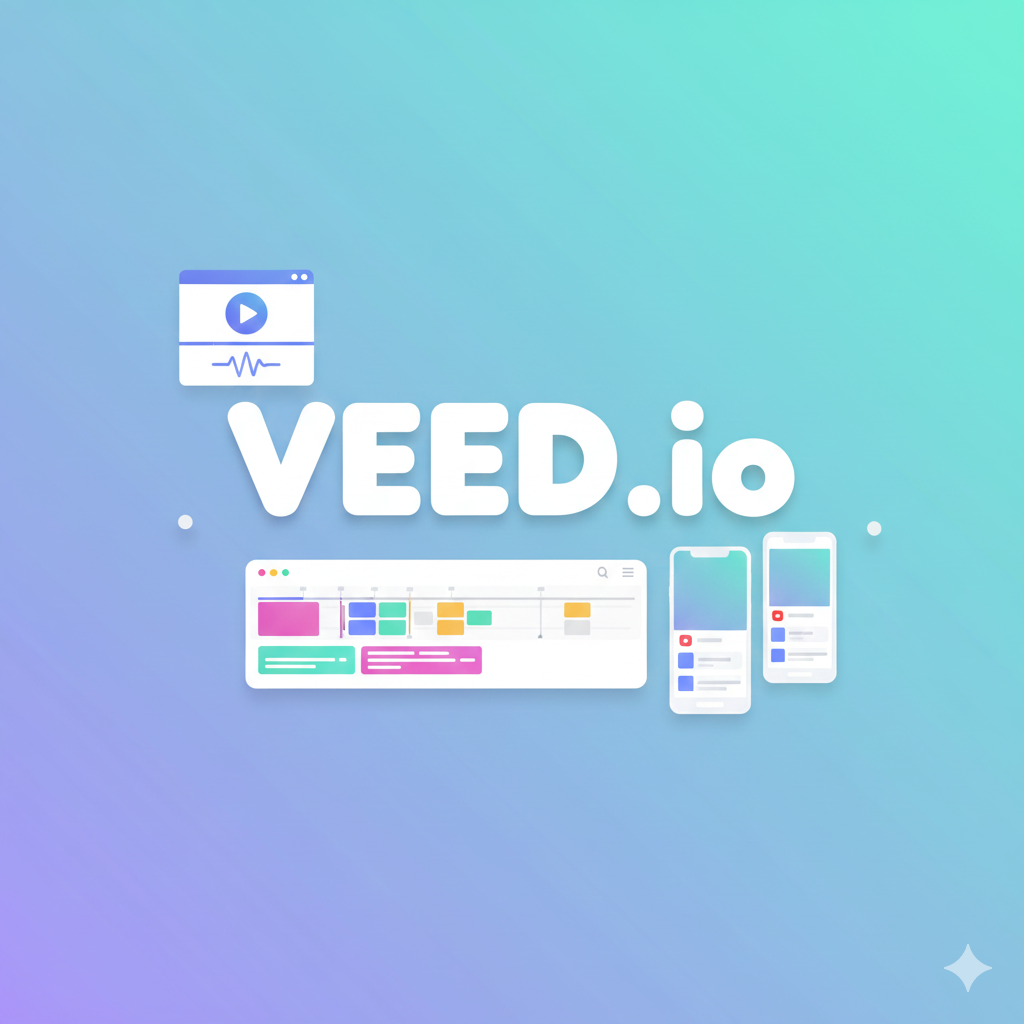
Veed.io is a comprehensive, browser-based video editing platform designed for ease and speed. Unlike traditional software such as Adobe Premiere Pro, which can take months to master, Veed is built for people who need to get things done quickly. It acts as an all-in-one creative hub where you can record, edit, and share videos without ever leaving your web browser.
Initially, the platform started as a simple tool for adding subtitles to videos. Moreover, it has evolved into a powerful suite that includes AI avatars, screen recording, and automated editing features. Consequently, it has become a go-to solution for remote teams and solo entrepreneurs who want to scale their video production. Overall, it bridges the gap between basic mobile apps and heavy-duty desktop editors.
Key Features of Veed.io
The success of the Veed.io online video editor lies in its diverse set of features. These tools are specifically designed to solve the most common problems that creators face daily.
- Auto-Subtitles and Captions: One of Veed’s most famous features is its incredibly accurate AI subtitle generator. It can transcribe audio in over 50 languages, which is essential for accessibility and engagement.
- AI Avatars and Text-to-Video: For those who are camera-shy, the platform offers lifelike AI avatars. You can simply type a script, and the AI will generate a video of a person speaking your words naturally.
- Magic Cut: This feature uses artificial intelligence to automatically remove filler words like “um” or “ah” and silent pauses. Therefore, your final edit sounds much more professional without manual cutting.
- Screen and Webcam Recorder: You can record your screen, your camera, or both at the same time. This is perfect for creating tutorials or online courses.
- Brand Kit: For businesses, maintaining consistency is vital. The Brand Kit allows you to save your logos, fonts, and colors for easy access across all your projects.
How Veed.io Works
Using the Veed.io online video editor is a straightforward process that follows a logical flow. Firstly, you start by uploading your video file or recording directly from your browser. You can even import files directly from Google Drive, Dropbox, or a YouTube URL.
Secondly, you move into the timeline editor. Here, you can drag and drop elements like text, music, and transitions. For example, if you want to add subtitles, you simply click the “Subtitles” tab and select “Auto Transcribe.” Meanwhile, the AI works in the background to generate your captions in seconds.
Finally, once you are happy with the edit, you click the “Export” button. You can choose different resolutions, such as 720p for fast sharing or 4K for high-quality YouTube content. In addition, you can share a direct link to the video so others can leave comments and feedback.
Use Cases
Because the tool is so versatile, it fits into many different professional and creative scenarios.
Social Media Content
Social media managers often use Veed to create TikToks, Reels, and Shorts. Specifically, the “Auto-Resize” tool allows you to turn one horizontal video into multiple vertical clips for different platforms instantly.
Marketing and Ads
Marketing teams find the platform useful for creating promotional videos and ads. For instance, the ability to add call-to-action buttons and progress bars helps increase viewer retention and conversion rates.
Internal Business Communication
Many companies use Veed for internal training and updates. Instead of writing long emails, managers can record quick “talking head” videos to explain new concepts clearly.
Educational Videos and Webinars
Teachers and online course creators use the screen recorder and teleprompter features to deliver high-quality lessons. You can visit the official Veed.io homepage to see how educators are using these tools to engage students globally.
Pros and Cons of Veed.io
Like any tool, the Veed.io online video editor has its strengths and limitations. It is important to weigh these before deciding on a paid plan.
Pros:
- Extremely User-Friendly: You do not need any prior editing experience to produce a great video.
- No Installation Required: It works on any computer with a modern browser, including low-power laptops.
- Accurate AI Subtitles: It saves hours of manual work by automating the captioning process.
- Collaborative Tools: Teams can work together on the same project and leave time-stamped comments.
Cons:
- Free Plan Limitations: The free version includes a watermark and limits export quality to 720p.
- Browser Performance: Large or complex projects can sometimes feel laggy if your internet connection is unstable.
- Subscription Cost: While powerful, the Pro and Business plans can be a significant monthly expense for hobbyists.
Pricing Plans Overview
Veed.io offers a tiered pricing model to accommodate different types of users.
- Free Plan ($0): This is ideal for testing the software. However, it includes a Veed watermark on your exports and limits your subtitle minutes.
- Lite Plan (~$12/month): Great for solo creators. It removes the watermark and allows for 1080p Full HD exports.
- Pro Plan (~$24/month): This is the most popular choice for professionals. It includes access to all AI tools, translation features, and a full brand kit.
- Business Plan (~$59/month): Specifically designed for teams that need higher usage limits and advanced collaboration features.
- Enterprise Plan: Offers custom pricing for large organizations with dedicated support and extra security.
Veed.io vs Other Online Video Editors
When you compare the Veed.io online video editor to competitors like Canva or CapCut, some clear differences appear. For instance, Canva is excellent for graphic design but lacks the advanced timeline and audio tools found in Veed. Conversely, CapCut is fantastic for mobile social media trends, but it lacks the professional brand kits and collaboration tools that businesses need.
Furthermore, Veed’s focus on “script-based editing” and AI automation makes it unique. While other editors require you to manually cut every clip, Veed allows you to edit your video just by editing the transcript. Therefore, it is often much faster for talking-head content and interviews.
Who Should Use Veed.io?
The platform is a perfect fit for anyone who values time over technical complexity. Firstly, it is ideal for business owners who need to create professional content without hiring an expensive editor. Secondly, it is a lifesaver for social media influencers who need to post high-quality clips every single day.
Additionally, corporate trainers and human resource departments will find it incredibly useful for internal comms. However, if you are a professional filmmaker looking for deep color grading and complex visual effects, you might still prefer desktop software. But for 90% of modern content needs, Veed is more than enough.
Final Verdict
Overall, the Veed.io online video editor is one of the most efficient tools available in 2026. It successfully blends traditional editing with cutting-edge AI features, making video creation accessible to everyone. Although the free plan is somewhat restrictive, the value provided in the paid tiers is substantial.
In conclusion, if you want to grow your audience or improve your business communication, this tool is well worth the investment. It allows you to produce more content in less time, without sacrificing quality. As a result, we highly recommend trying the free version today to see how it fits into your creative process.